
Setting Up Your Kitchen
Setting up your kitchen is an immersive, automated journey that typically takes 1-2 minutes:
Henlocker Migration
If you have previously staked a Henlocked position on Beradrome, you should migrate your funds before proceeding. You may choose one of the following methods:
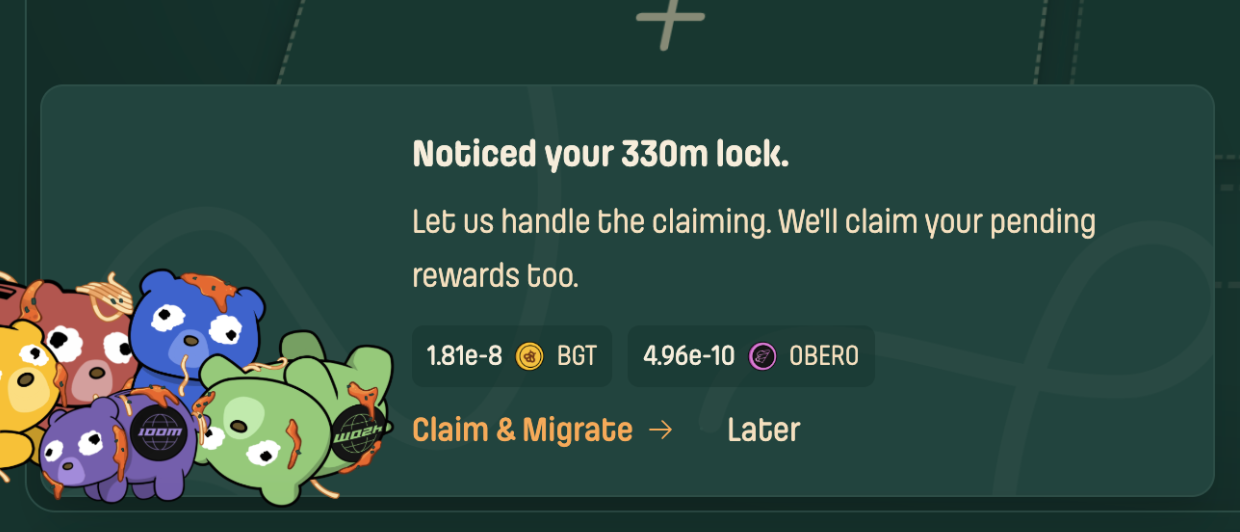
Option A: Automated Migration (Recommended)Use our streamlined migration flow for a seamless experience.
- Connect your wallet.
- The system will automatically detect your staked Henlocked balance.
- Follow the on-screen prompts at left down corner (or left up profile) to perform a one-click restake to S&F.
 Option B: Manual Withdrawal
- Visit beradrome.com/farms.
- Search for
HENLO. - Click Manage in the vault panel on the right.
- Withdraw your Henlocked position manually.
Pick Your Ingredients
Choose which tokens you want to farm with:
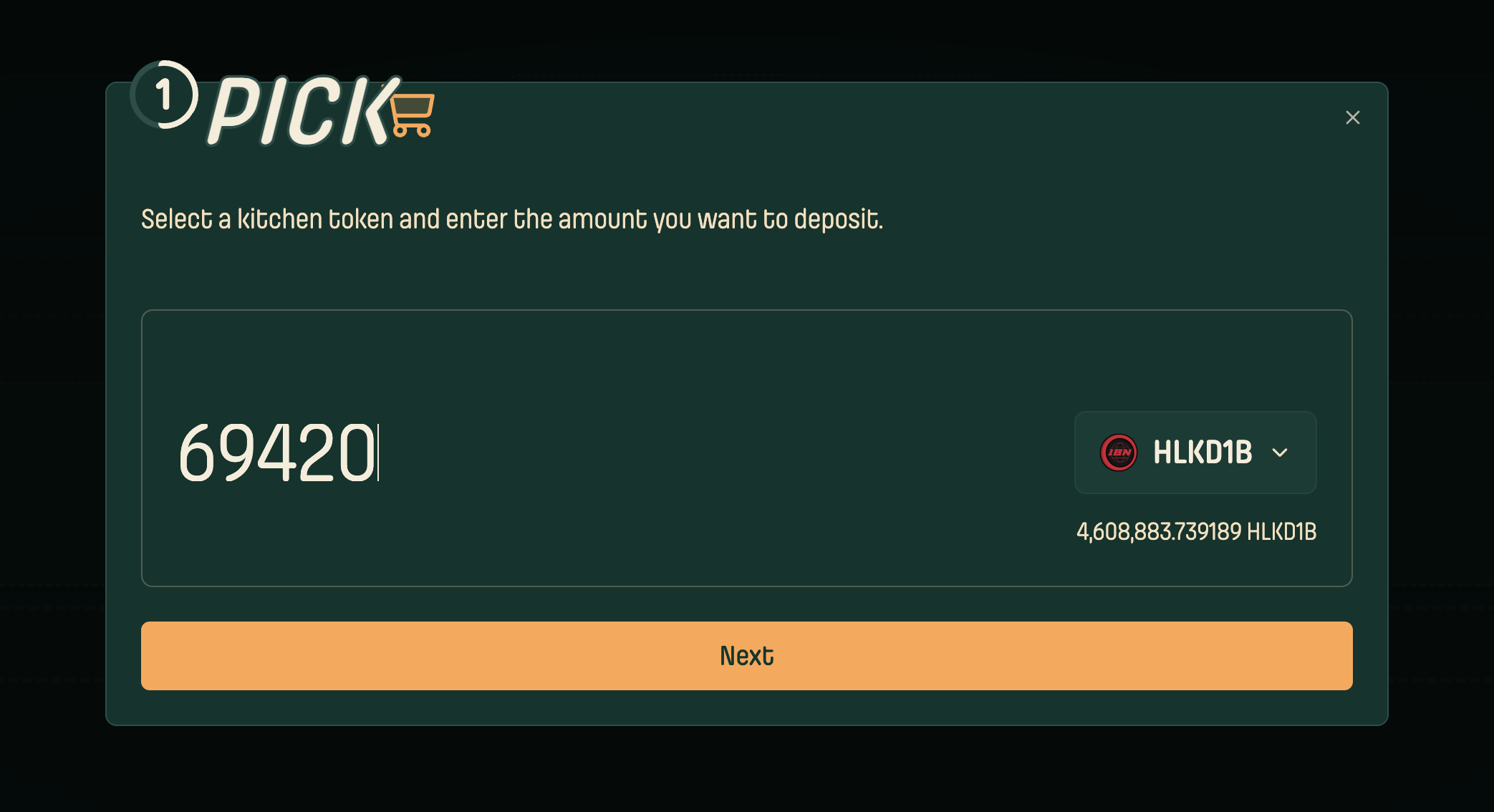
- Select a supported asset and deposit amount.
- (Currently supports Henlocked tokens only. More assets coming soon.)
Choose Your Strategy
Henlo Maxi Strategy
- Keeps BGT rewards
- Compounds everything else into HENLO
- Best for: Maximizing your Henlo
BGT Maxi Strategy (coming soon)
- Keeps all BGT rewards
- Compounds other tokens into more LP
- Best for: Maximizing your wrapped BGT
LP Maxi Strategy (coming soon)
- Converts all rewards to LP tokens
- Maximum liquidity growth
- Best for: LP token maximalism
Review & Confirm
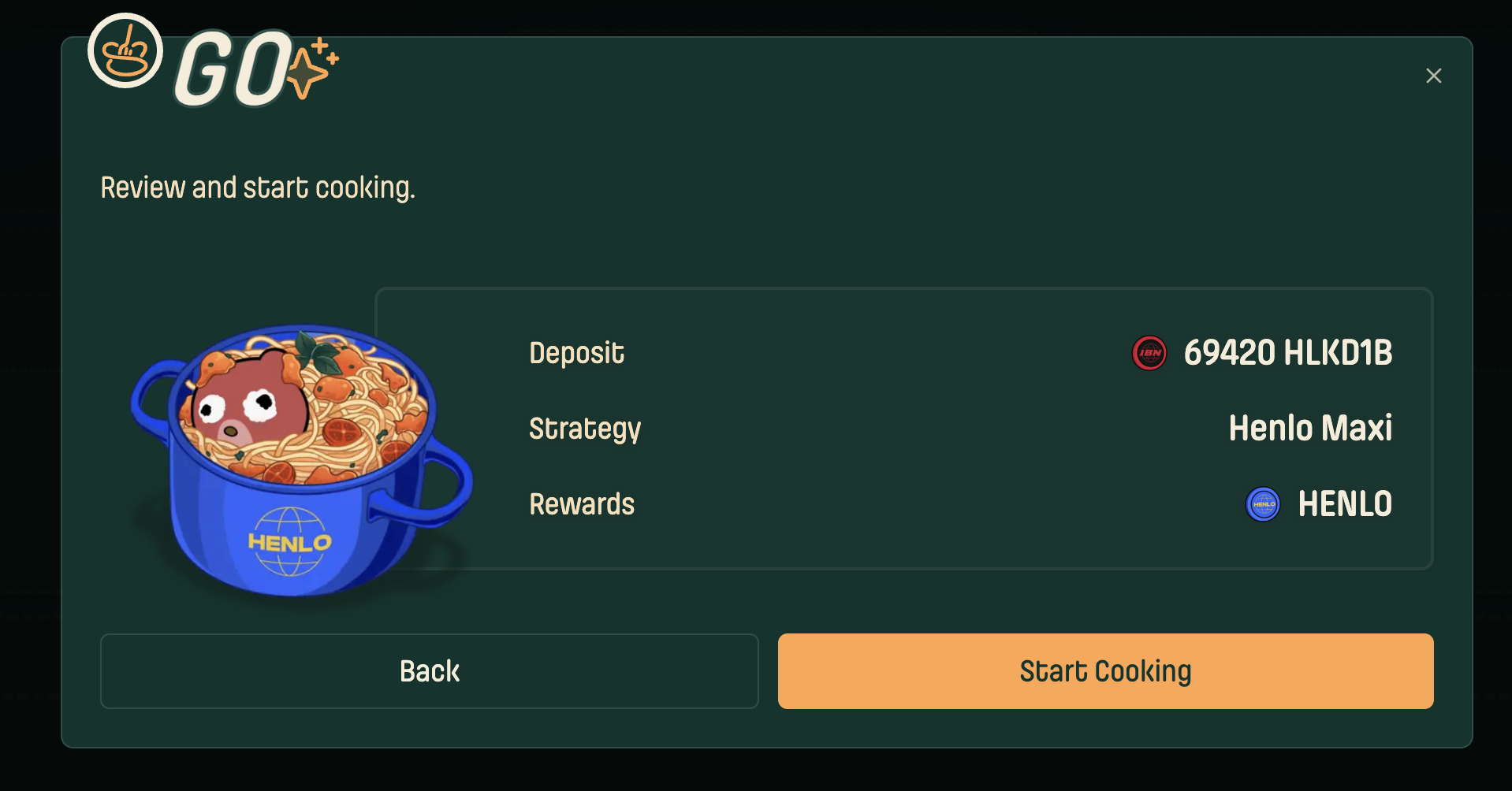
- Review all settings
- Confirm and start cooking!
The Automated Kitchen Setup
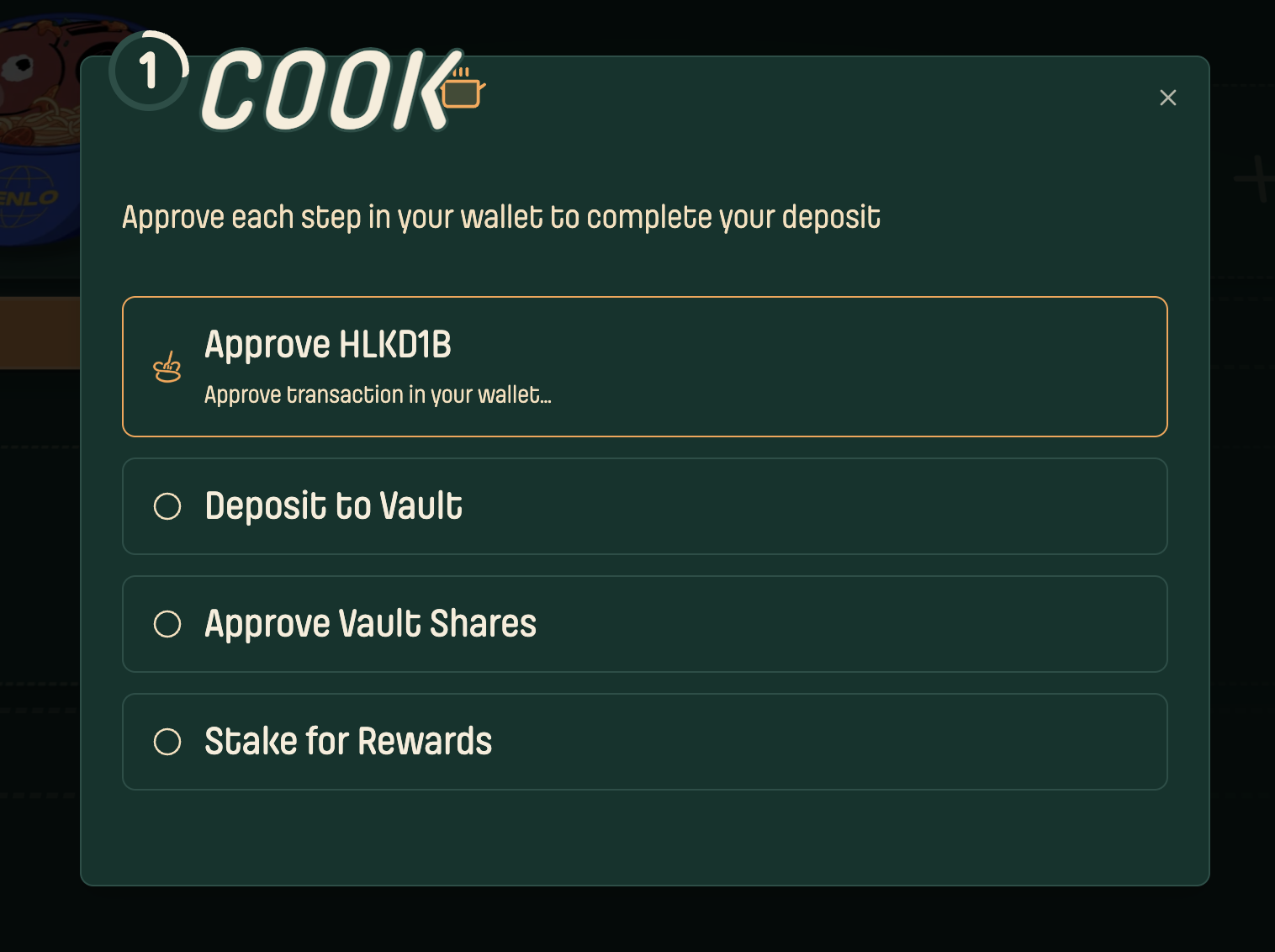
Once confirmed, watch your kitchen come to life and approve each step in your wallet to complete your deposit.